We use cookies to generate statistics and provide you with a better user experience. By clicking "Accept All", you consent to the use of this information for our analysis.
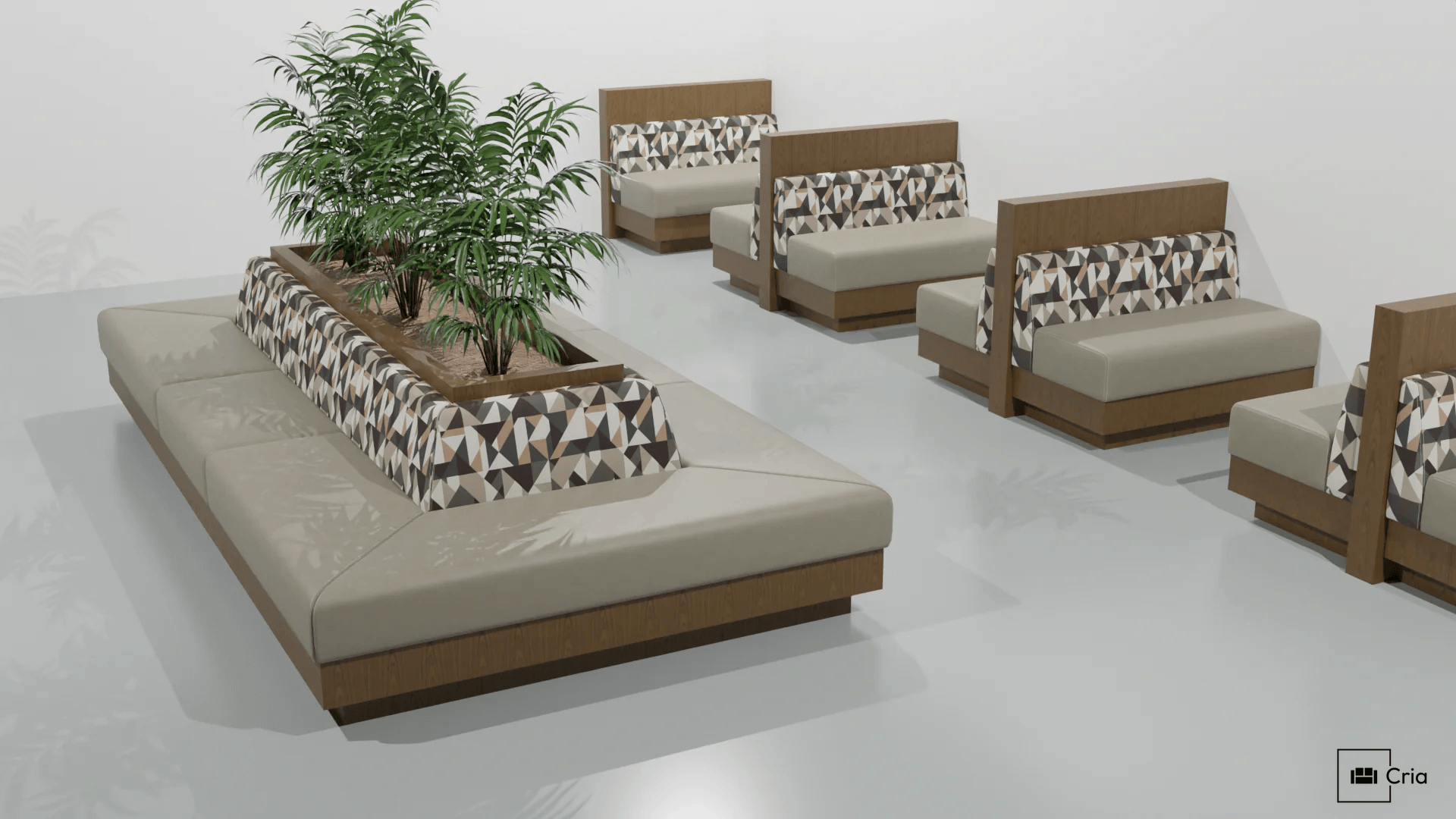
Design It. Render It. Order It.
A 3D interior configurator built for architects, designers, and owners. Place real furniture, apply real materials, and go straight to production — no CAD experience needed.
Build Your Room
Draw walls, place doors and windows, and finish with floors and ceilings, all in 3D. Add trim profiles and real material finishes that map automatically to every surface. Your room looks complete before a single piece of furniture is placed
Place Real Furniture
Drag CRIA furniture directly into your space. Snap pieces to walls, duplicate layouts, and arrange everything with simple rotation and position controls. Every item is a real product from the catalog, what you see is what you can order.
Organize Your Project
A single project file can hold multiple scenes like a lobby, a dining room, or a lounge, each with its own asset tree to keep everything organized. Create variants of any scene to present alternate layouts, materials, or configurations to clients, all without duplicating your work.
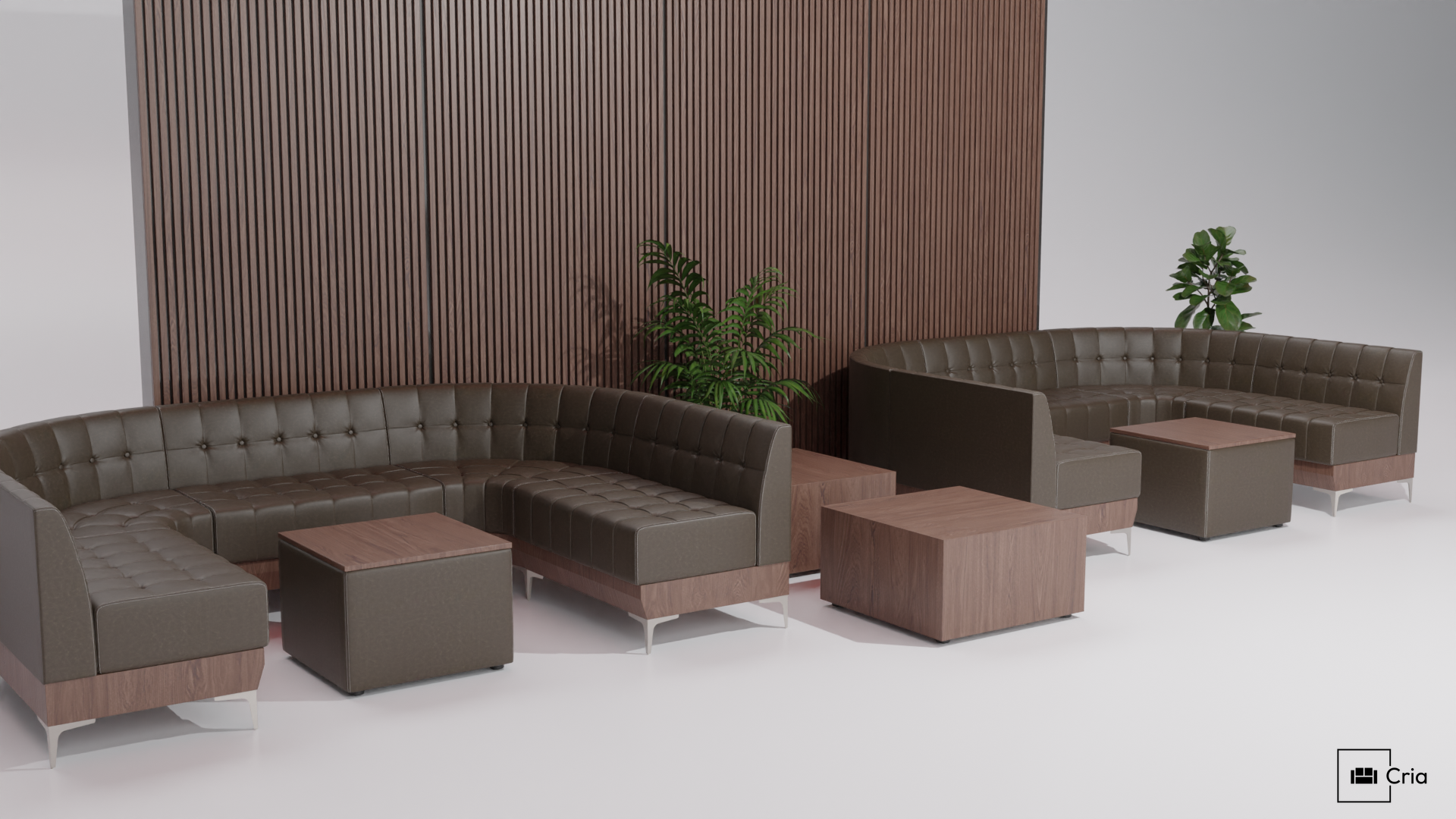
What You Design Is What Gets Built
Every material, every stitch, every detail carries through from your screen to the factory floor
Real Materials, Real Brands
Browse a growing library of designer fabrics from brands like Designtex, Maharam, and Carnegie, with more being added regularly. Every fabric has been individually calibrated to match its real-world appearance as closely as possible. The library also includes photo-scanned materials like wood veneers, captured directly from physical samples. What you see in the configurator is what you'll get in production.
Upholstery Details
Position pattern placement, rotation, and alignment directly on the 3D model. Choose stitching styles like French seam, single stitch, double stitch, or welt and see them reflected in real time. On large projects, these details are often the first thing lost between design and production. In CRIA Layout, they're locked in from the start.
Lighting & Atmosphere
Set the mood of your space with HDR environments and custom lighting. Add lights, group them for precise control, and adjust intensity to see how your design feels under different conditions. The right lighting can make the difference between a flat layout and a space that sells itself.
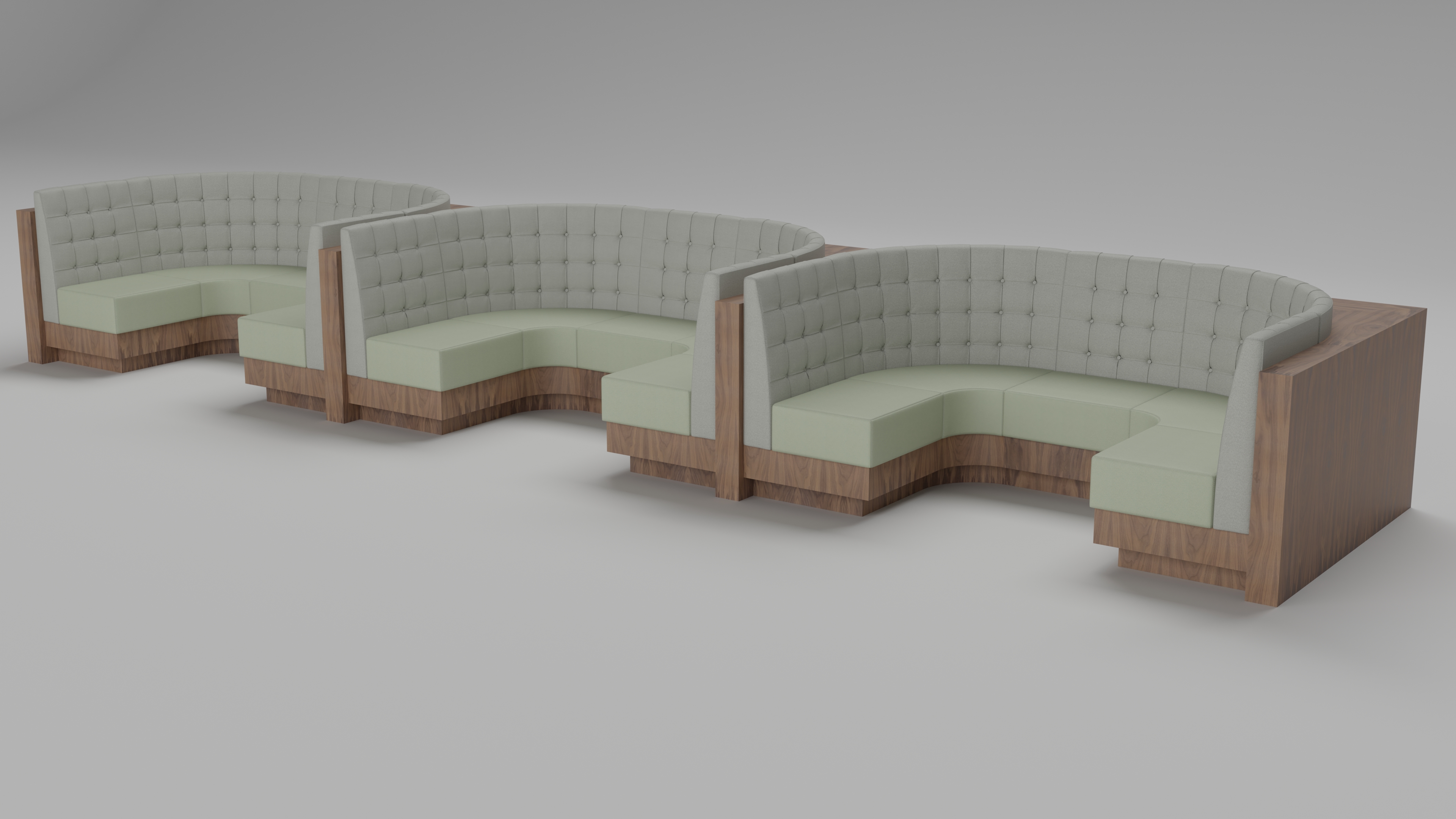
Pre-Built Layouts, Ready to Customize
Start with dozens of pre-configured layouts across multiple collections. Drop a full U-shaped banquette setup into your scene in seconds, then adjust materials, dimensions, and details to match your project. Less setup, more designing.
Photorealistic Rendering
Generate photorealistic renders directly from the configurator using GPU-accelerated path tracing. Set your resolution and aspect ratio, then save to your render gallery to share with clients
Ready to Design Your Space?
Design your room, place real CRIA furniture, and see it come to life before you order.